
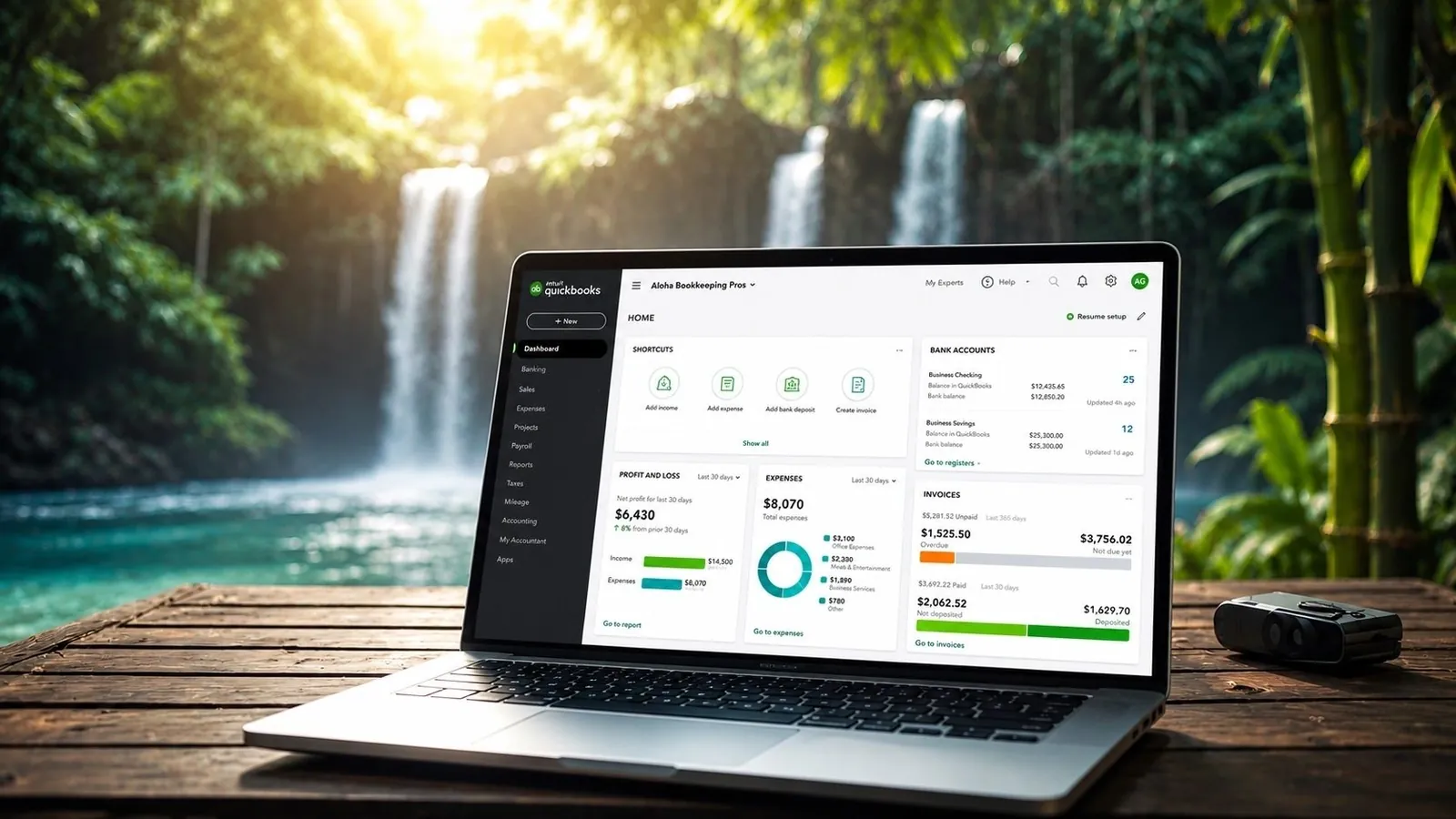
Is Your Business Running on Financial Fumes?
Many small businesses operate with outdated, inaccurate, or disorganized financial records, putting profitability, compliance, and growth at risk. QuickBooks cleanup is the process of identifying and correcting errors, reorganizing accounts, reconciling discrepancies, and ensuring your financial data reflects the true state of your business. It’s not just a one-time fix; it's essential financial hygiene that supports smarter decisions and long-term stability.
Clean books mean accurate income and expense tracking, proper categorization of transactions, and up-to-date bank and credit card reconciliations. For businesses in Hawaii and other regions with unique tax structures like the General Excise Tax (GET), maintaining precision in your records is critical to avoiding penalties and maximizing deductions. When your QuickBooks file is cluttered with duplicates, uncategorized entries, or inconsistent customer and vendor lists, generating reliable reports becomes nearly impossible.
This post will walk you through why clean books matter, how to recognize signs your file needs attention, and actionable steps to restore clarity. You’ll learn how to streamline accounts, fix common data issues, and implement routines that keep your system accurate month after month, ensuring your business stays audit-ready and financially clear, whether you're based in Waikīkī, Kailua, or serving clients across the mainland.
7 Telltale Signs Your QuickBooks File Needs Immediate Cleanup
If your financial reporting feels off or your month-end close drags on longer than expected, your QuickBooks file may be overdue for a thorough cleanup. Disorganized data doesn’t just slow you down, it can lead to costly errors, compliance risks, and poor business decisions. Here are seven common warning signs that your file needs attention, especially for businesses operating in high-transaction environments like retail, hospitality, or service-based industries across Hawaii and similar markets.
1. Inconsistent or Duplicate Chart of Accounts
Multiple variations of the same account (e.g., “Advertising,” “Ad Expenses,” “Marketing”) create confusion and inaccurate reporting. A clean, standardized chart of accounts ensures every transaction is categorized correctly, critical when tracking General Excise Tax (GET) or preparing year-end financials.
2. Duplicate Entries Skewing Financial Data
Repeated transactions, often caused by manual data entry or syncing issues, inflate income or expenses. These duplicates distort profit margins and can trigger red flags during audits or lender reviews.
3. Unclassified or Misclassified Transactions
A backlog of uncategorized transactions in the “Unreconciled” or “Unassigned” section means your financial picture is incomplete. Misclassified items, like a vehicle lease under “Office Supplies,” lead to incorrect tax filings and missed deductions.
4. Bank Reconciliation Gaps or Discrepancies
If your bank register doesn’t match your actual bank statement, even after reconciliation, your file likely has timing mismatches, deleted transactions, or incorrect payments. Consistent reconciliation is vital for cash flow accuracy.
5. Vendor and Customer Lists Are Out of Sync
Duplicated vendors (e.g., “ABC Co.” vs. “ABC Company”) or merged customer profiles inflate accounts payable/receivable reports. Cleaning these lists improves billing accuracy and vendor management.
6. Accumulated Non-Posting Transactions and Journal Entries
Excessive journal entries used to “fix” errors instead of correcting root issues often mask deeper data integrity problems. Over time, these create untraceable adjustments that complicate audits and forecasting.
7. Inaccurate or Incomplete Financial Reports
If your Profit & Loss or Balance Sheet doesn’t reflect actual performance, or if reports vary dramatically from month to month without explanation, your underlying data likely needs a structural cleanup.
Addressing these issues early ensures your QuickBooks file remains a reliable tool, supporting smarter decisions, smoother tax seasons, and stronger financial health across all your locations.
A Step-by-Step Guide to Cleaning Up Your QuickBooks File
Keeping your QuickBooks file clean is essential for accurate reporting, tax compliance, and financial clarity, especially for businesses navigating Hawaii’s unique tax landscape like the General Excise Tax (GET). Over time, inconsistencies creep in: accounts go unreconciled, transactions are misclassified, and the chart of accounts becomes cluttered. Follow this actionable process to restore accuracy and confidence in your financial data.
- Reconcile All Bank and Credit Card Accounts Start with your most recent statement and verify every transaction matches your records. Investigate discrepancies like missing deposits or duplicate entries. Reconciling monthly prevents year-end surprises and ensures your cash flow statements reflect reality.
- Reclassify Incorrect Transactions Use the Reclassify Transactions tool to fix misposted items in bulk, such as office supplies mistakenly marked as travel expenses. This improves profit and loss accuracy and supports correct tax deductions.
- Clean Up the Chart of Accounts Remove inactive or redundant accounts, merge duplicates, and rename unclear entries for consistency. A streamlined chart of accounts simplifies reporting and helps you track performance by category.
- Review and Correct Opening Balances Verify that opening balances for balance sheet accounts like loans and equity are accurate and supported by documentation.
Pro Tip: Repeat these steps quarterly to maintain data integrity and support timely financial decisions.
Boost Accuracy, Clarity, and Efficiency with Routine QuickBooks Maintenance
Keeping your QuickBooks file in top condition isn’t just a best practice, it’s essential for running a financially healthy business. Regular QuickBooks cleanup strengthens data integrity, ensuring every report reflects your true financial position. When transactions are properly categorized, duplicates are removed, and accounts are reconciled consistently, you eliminate guesswork and gain confidence in your numbers. This level of accuracy is especially critical when dealing with multi-bank accounts, recurring expenses, or state-specific requirements like Hawaii’s General Excise Tax (GET).
Beyond accuracy, consistent maintenance unlocks powerful reporting capabilities. Clean books allow you to generate reliable profit and loss statements, balance sheets, and cash flow reports, insights that drive smarter budgeting, forecasting, and growth planning. You’ll also experience significant time savings. Automating routine tasks like bank feeds, invoice scheduling, and expense tracking reduces manual entry, while monthly reconciliations prevent year-end overwhelm.
To stay on track:
- Reconcile all bank and credit card accounts monthly
- Review and correct misclassified transactions
- Archive or delete unused accounts and vendors
- Update item lists and service codes regularly
By prioritizing QuickBooks maintenance, businesses across Kailua, Waikīkī, and the broader Hawaiian Islands ensure their financial systems support, not hinder, long-term success.
QuickBooks Cleanup FAQs: What You Need to Know
How often should I clean up my QuickBooks file?
It’s best to perform a QuickBooks cleanup at least once per quarter to maintain optimal performance. Businesses in fast-moving industries, especially those in high-transaction environments like retail or hospitality across Hawaii, may benefit from monthly reviews. Regular cleanup prevents data clutter, improves reporting accuracy, and reduces the risk of errors during tax time.
What exactly does a QuickBooks cleanup include?
A thorough cleanup involves reconciling bank and credit card accounts, correcting misclassified transactions, removing duplicates, organizing customer and vendor lists, updating chart of accounts, and verifying tax settings. It also includes backing up data and archiving old transactions to improve system speed.
Can I clean up QuickBooks myself, or should I hire a pro?
While DIY cleanup is possible, many business owners overlook critical inconsistencies or accidentally delete key data. If you’re unfamiliar with accrual vs. cash basis reporting or unsure how to classify intercompany transfers, professional help ensures accuracy. This is especially important for businesses managing multiple locations or complex expense tracking.
What are the risks of not cleaning up QuickBooks?
Unclean books lead to inaccurate financial statements, flawed cash flow projections, and compliance issues, particularly with state-specific taxes like Hawaii’s General Excise Tax (GET). Over time, corrupted data can slow software performance or invalidate reports used for loans and strategic planning.
How long does a QuickBooks cleanup take?
Timelines vary based on data volume and disorganization. A lightly-used file may take 5 to 10 hours, while heavily neglected accounts could require 20+ hours. Scheduling routine maintenance prevents last-minute stress during filing seasons.
Will cleaning up QuickBooks affect my tax records?
When done correctly, cleanup enhances tax accuracy by ensuring proper categorization and documentation. Always retain backups before making changes and consult a tax-savvy bookkeeper to preserve audit readiness.
Keep Your Business on the Right Track with a Clean Financial Foundation
A well-maintained QuickBooks file isn’t just a digital receipt drawer, it’s the backbone of your business’s long-term success. Over time, inconsistent entries, uncategorized transactions, and unreconciled accounts can snowball into major financial blind spots. These inaccuracies don’t just create year-end chaos; they compromise your ability to make strategic decisions, secure financing, or respond to market shifts, especially in dynamic, service-driven economies like Hawaii’s. Regular QuickBooks cleanup ensures your financial data reflects reality, so you’re never caught off guard by cash flow gaps or tax discrepancies.
The benefits go beyond numbers: clean books mean faster month-end closes, clearer profit and loss insights, and improved confidence when planning for growth or navigating seasonal fluctuations. Whether you're managing a boutique in Waikīkī, a consulting firm in Kailua, or a multi-location operation across the islands, a standardized chart of accounts, up-to-date reconciliations, and organized expense tracking keep your operations running smoothly.
Take action today by scheduling a quarterly financial review, running key reports like the Balance Sheet and Profit & Loss, and addressing any discrepancies head-on. Consider partnering with a bookkeeping professional to maintain consistency, especially if you're dealing with Hawaii’s General Excise Tax (GET) or complex revenue streams. Remember, a little maintenance now prevents costly overhauls later. Stay proactive, stay accurate, and build a financial foundation that supports sustainable success.